
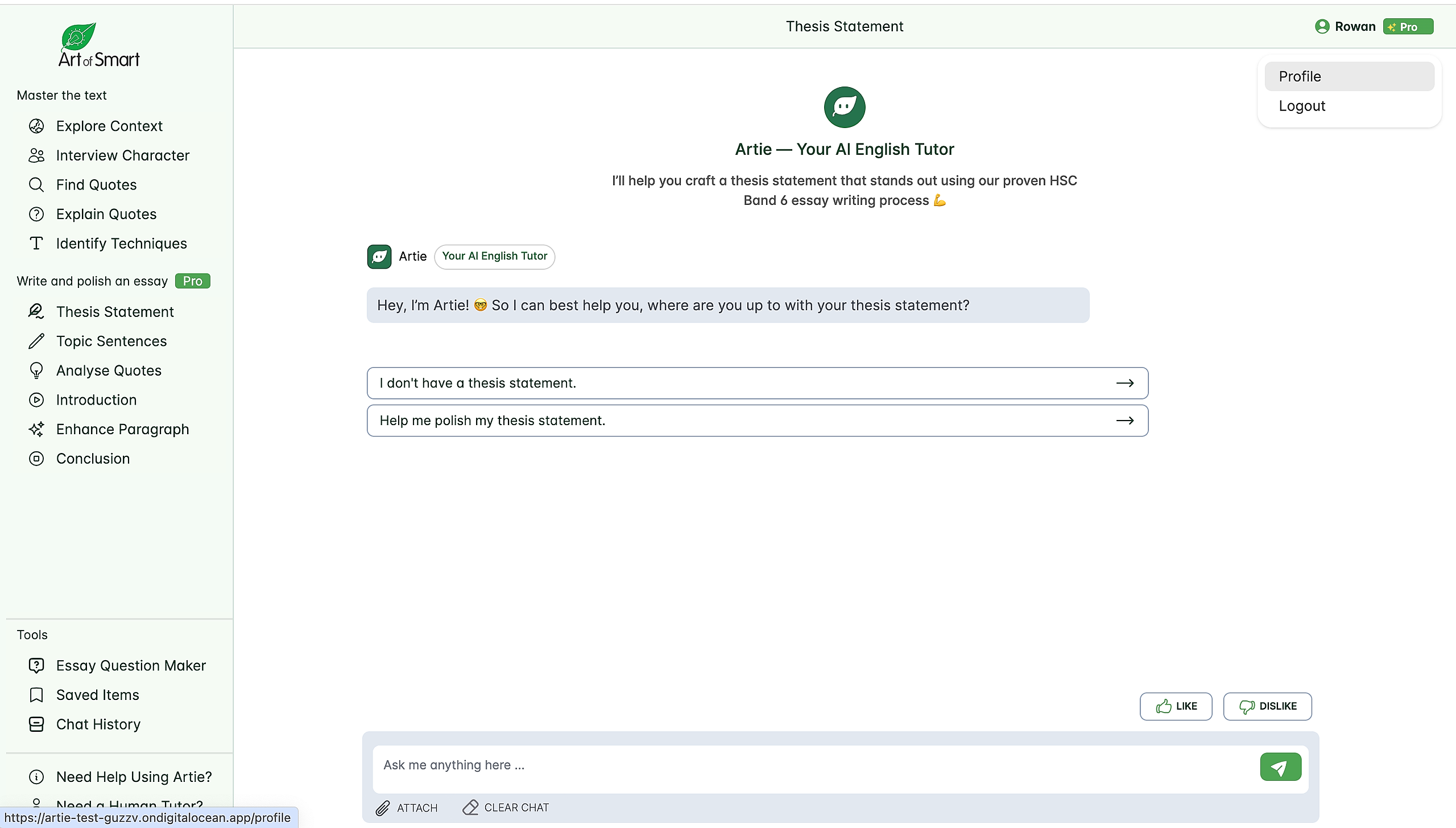
Step 1: Select Your Profile in the top right-hand corner
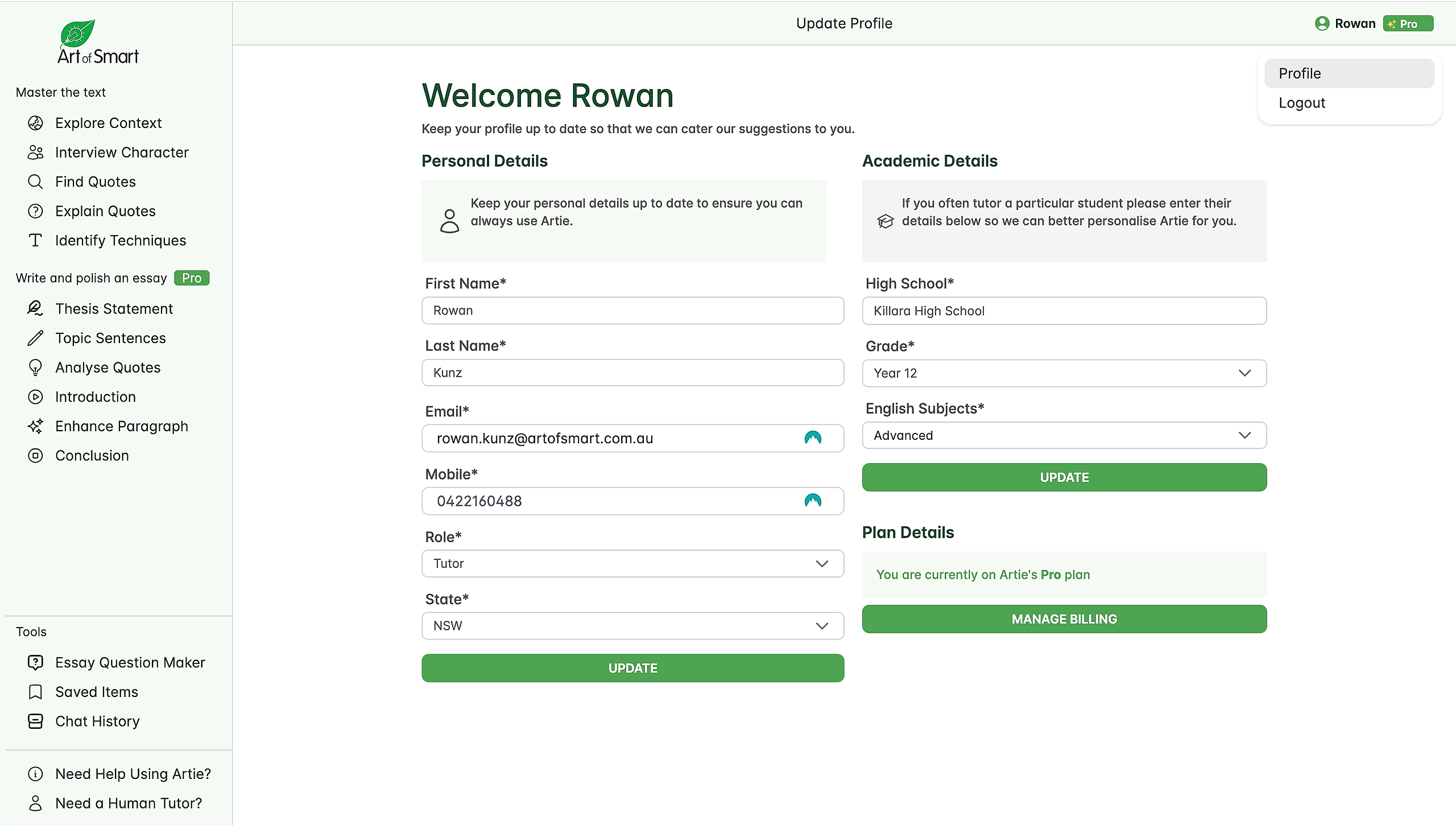
Step 2: Select Manage Billing
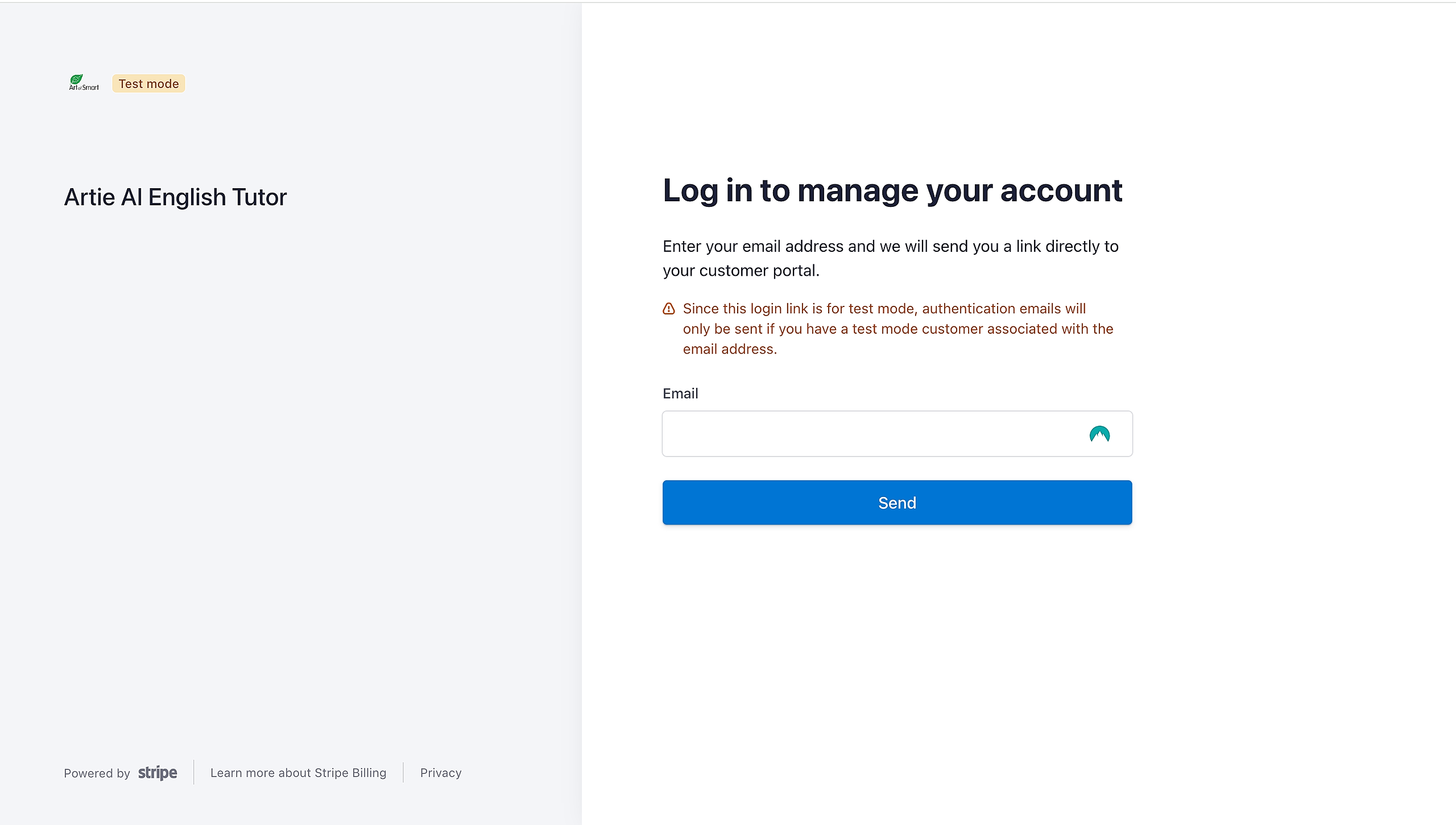
Step 3: This will load a page to log in to your billing portal. Input the same email you signed up with to Artie.
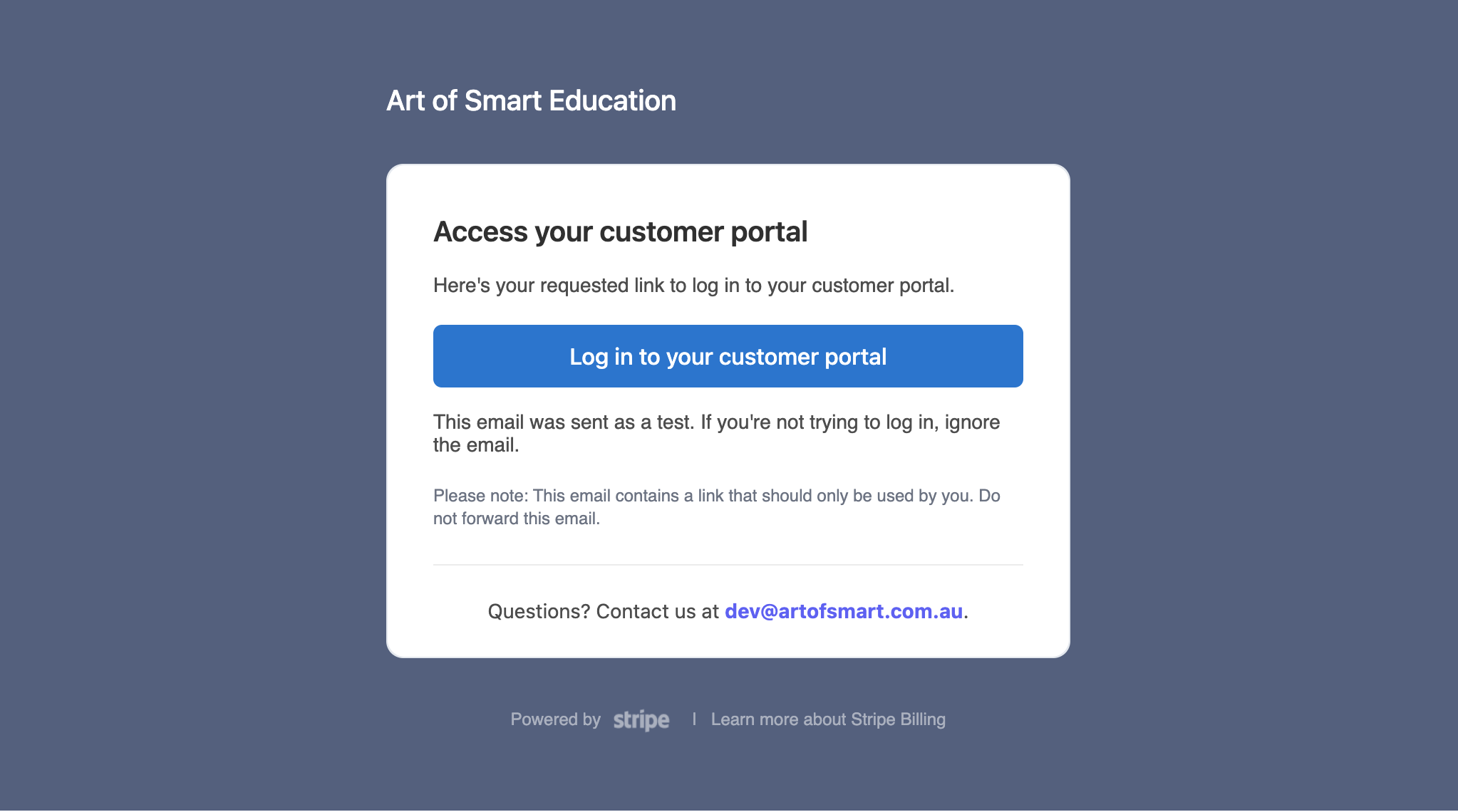
Step 4: It will send you an email with a link to access your billing. The email looks like this:
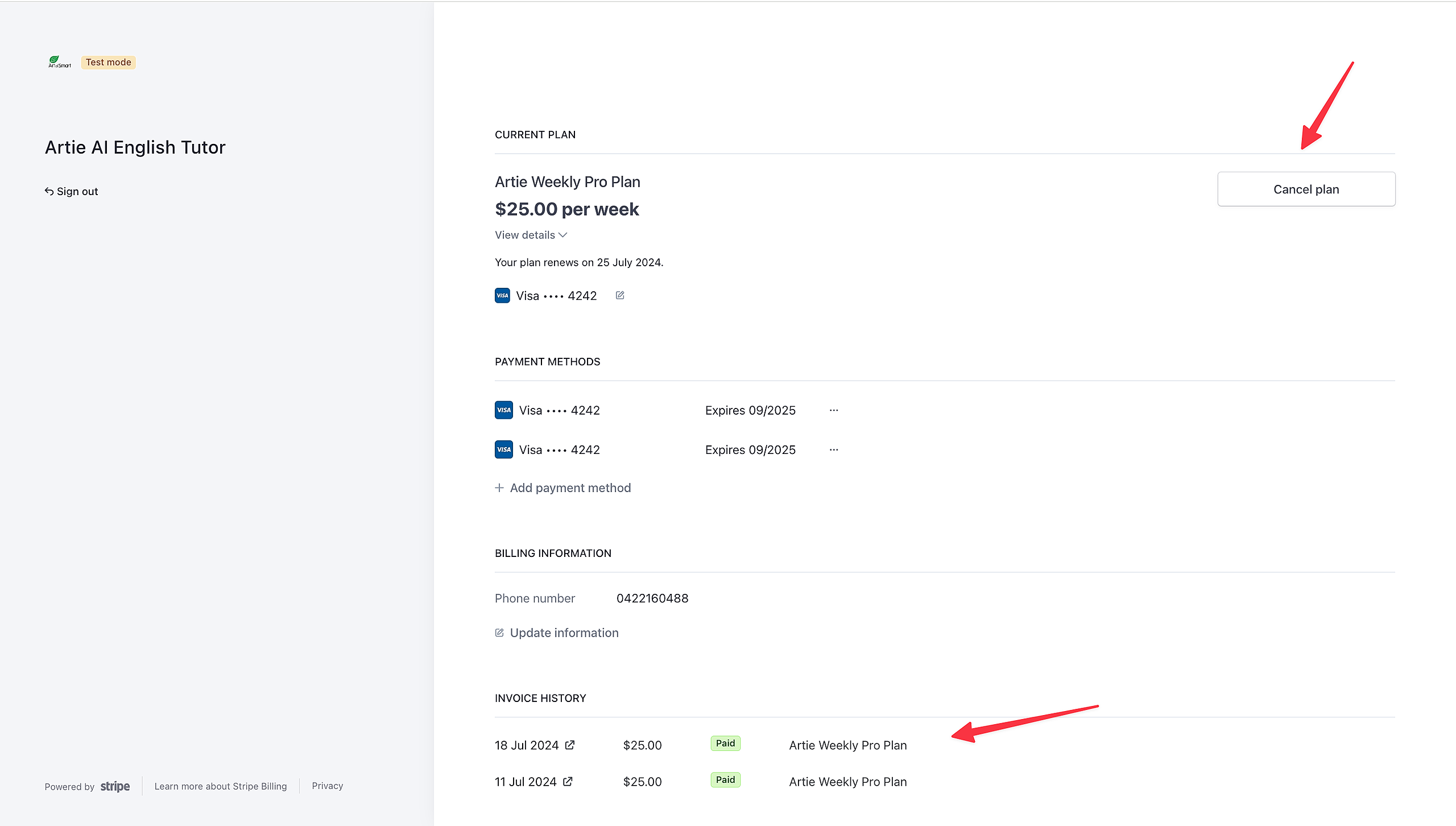
Step 5: You will see your customer portal. You can update your payment method or access any invoices and payment history here.